
Understanding Betaflight Software Filters Fundamentals
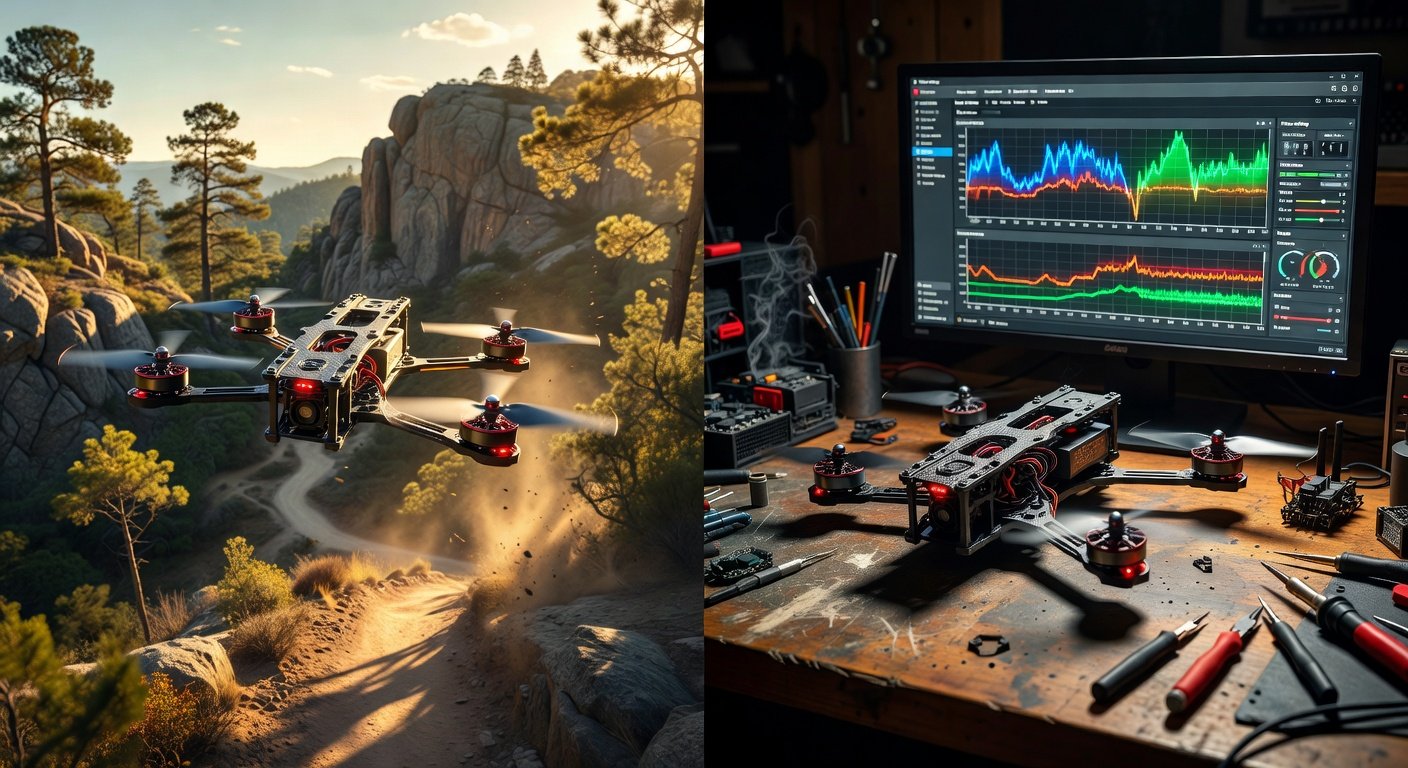
Betaflight software filters serve as the foundation for clean flight performance by eliminating unwanted noise and vibrations that can destabilize your FPV drone. These digital filters process gyroscope and accelerometer data before it reaches the PID controller, preventing oscillations and improving overall flight characteristics. The filtering system works by analyzing incoming sensor data and removing frequencies that typically cause problems, such as motor vibrations, propeller imbalances, and frame resonances. Modern Betaflight versions include sophisticated filtering algorithms that automatically adapt to your quad’s specific characteristics, but understanding manual configuration remains crucial for achieving optimal performance. Proper filter setup directly impacts battery life, motor temperatures, and flight smoothness, making this knowledge essential for serious FPV pilots.
The filtering process occurs in real-time as your flight controller processes thousands of sensor readings per second. Each filter type targets specific frequency ranges where noise commonly occurs, creating a clean signal for the PID loops to work with. Without adequate filtering, high-frequency noise can cause the motors to work harder than necessary, leading to reduced flight times and potential hardware damage. The key lies in finding the perfect balance between removing harmful noise while preserving the responsive feel that FPV pilots demand. Too aggressive filtering can introduce lag and reduce the quad’s ability to respond quickly to stick inputs, while insufficient filtering allows noise to reach the motors, causing inefficiency and potential oscillations.
Betaflight Software Filters Configuration Process
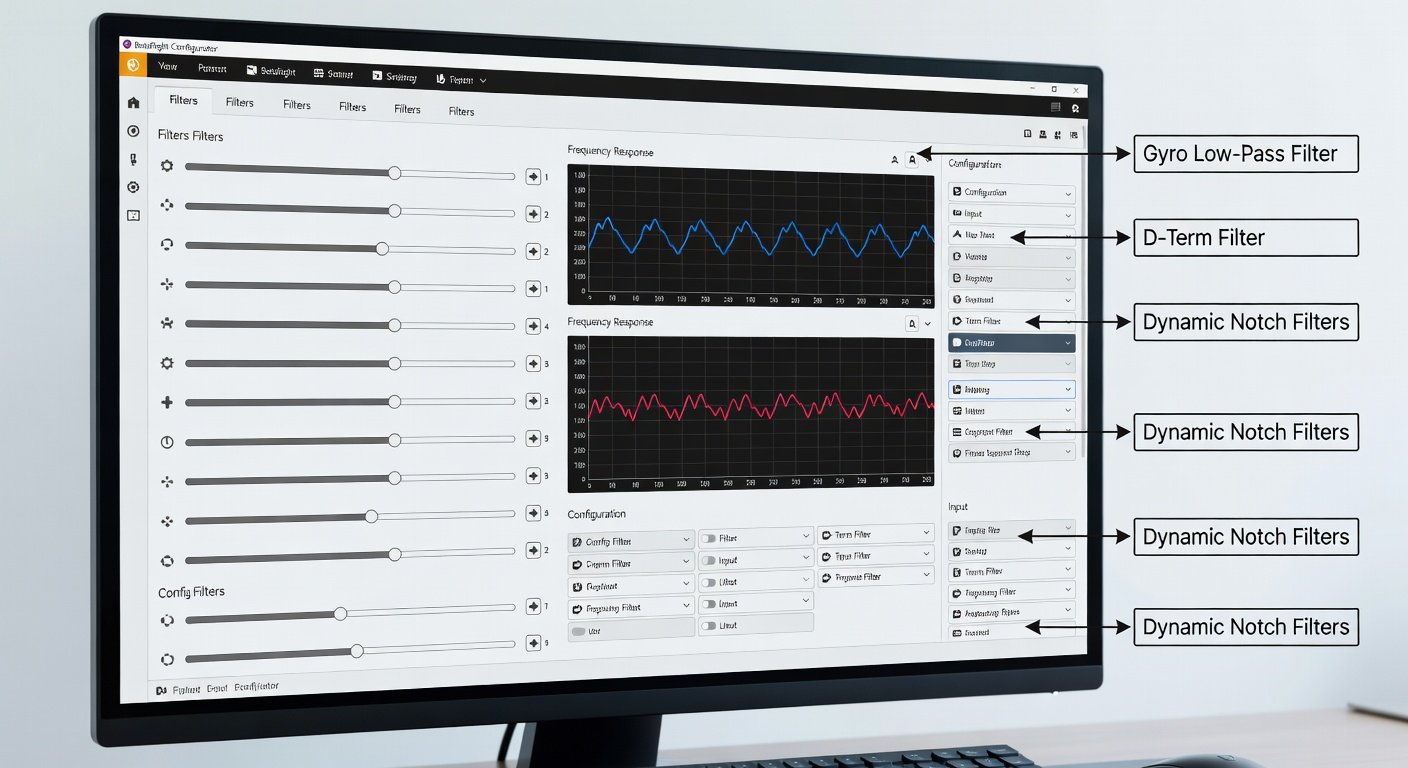
Accessing the filters tab in Betaflight Configurator reveals multiple filtering options that work together to create optimal flight characteristics. The primary filters include the gyro lowpass filter, which removes high-frequency noise from gyroscope readings, and the D-term filter, which specifically targets derivative noise that can cause motor heating. Start by connecting your flight controller via USB and opening Betaflight Configurator, then navigate to the filters tab where you’ll find sliders and dropdown menus for each filter type. The default settings often provide a good starting point, but fine-tuning based on your specific build and flying style can yield significant improvements. Document your current settings before making changes, allowing you to revert if needed.
The gyro lowpass filter typically operates between 100-500Hz, with lower values providing more aggressive filtering at the cost of some responsiveness. For racing quads that prioritize quick reactions, settings around 300-400Hz often work well, while freestyle builds might benefit from slightly lower values around 200-300Hz. The D-term lowpass filter usually runs at higher frequencies, typically 150-300Hz, focusing on removing noise that specifically affects the derivative component of the PID controller. Notch filters can target specific frequencies where your frame or motors create resonance, but these require careful tuning to avoid removing beneficial frequencies. The dynamic notch filter automatically identifies and filters problematic frequencies, making it an excellent option for pilots who prefer automated solutions.
Dynamic Filter Setup and Optimization
Dynamic filtering represents the latest advancement in Betaflight software filters setup, automatically detecting and suppressing noise frequencies that change during flight. This intelligent system monitors gyroscope data in real-time, identifying peaks in the frequency spectrum that indicate unwanted vibrations or resonances. The dynamic notch filter can track up to three separate noise sources simultaneously, adjusting its filtering parameters as flight conditions change. Enable this feature through the filters tab, where you can configure the minimum and maximum frequency ranges, Q factor for filter sharpness, and the number of notches to use. Most modern builds benefit from enabling at least two dynamic notches with a frequency range of 150-600Hz, allowing the system to automatically handle common noise sources like motor vibrations and propeller turbulence.
Advanced Filter Tuning Techniques
Fine-tuning your Betaflight software filters requires systematic testing and careful observation of flight characteristics. Begin by performing test flights in different conditions, paying attention to motor temperatures, battery consumption, and overall flight feel. Hot motors often indicate insufficient filtering, allowing noise to reach the PID controller and causing unnecessary corrections. Use the blackbox logging feature to record flight data, then analyze the logs using Betaflight Blackbox Explorer to identify specific frequency ranges where noise occurs. Look for spikes in the gyroscope frequency analysis that correlate with motor RPM or propeller pass frequencies, as these indicate areas where additional filtering might help.
Temperature monitoring provides immediate feedback on filter effectiveness, with properly filtered quads maintaining cooler motor temperatures during aggressive flying. If motors run hot after flights, consider lowering the gyro lowpass filter frequency or enabling additional notch filters to target specific problem areas. Conversely, if the quad feels sluggish or unresponsive, the filtering might be too aggressive, requiring higher cutoff frequencies or reduced filter strength. The goal is finding the sweet spot where noise is adequately suppressed without compromising the responsive feel that makes FPV flying enjoyable. Some pilots prefer slightly warmer motors in exchange for better responsiveness, while others prioritize efficiency and longer flight times through more aggressive filtering.
Filter Impact on Different Flying Styles
Racing pilots typically prefer lighter filtering to maintain maximum responsiveness, accepting slightly higher motor temperatures for improved reaction times. Freestyle pilots often benefit from more aggressive filtering that smooths out video footage and reduces motor stress during long flow sessions. Cinematic pilots usually employ the most aggressive filtering settings to eliminate any vibrations that might affect camera stability, even if this slightly reduces overall responsiveness. Your flying style should directly influence your Betaflight software filters setup, with each discipline having different priorities regarding the balance between responsiveness and smoothness. Consider creating multiple profiles for different flying scenarios, allowing quick switches between racing-optimized and freestyle-optimized filter settings.
Troubleshooting Common Filter Issues
Filter-related problems often manifest as oscillations, hot motors, or poor flight characteristics that seem unrelated to PID tuning. If your quad develops sudden oscillations after a filter change, the most likely cause is overly aggressive filtering that has introduced delay into the control loop. Reduce filter strength by increasing cutoff frequencies or disabling some notch filters to restore responsiveness. Hot motors combined with good flight feel usually indicate that noise is reaching the PID controller despite seemingly adequate filtering. This situation often requires adding targeted notch filters or enabling dynamic filtering to catch frequencies that the main lowpass filters miss.
Sluggish response or delayed reactions typically result from excessive filtering that removes beneficial high-frequency information along with noise. This problem is particularly common when pilots apply filtering settings designed for larger, heavier quads to smaller, more agile builds. Each quad has unique filtering requirements based on frame stiffness, motor characteristics, and propeller selection, so avoid copying settings from other pilots without understanding the underlying principles. The blackbox logs provide the most reliable method for diagnosing filter issues, showing exactly which frequencies contain noise and which filters are affecting flight performance. Regular analysis of these logs helps develop intuition for filter tuning that goes beyond trial and error.
Frequently Asked Questions
What are the default Betaflight filter settings?
Default Betaflight filters typically include a gyro lowpass at 500Hz, D-term lowpass at 150Hz, and dynamic notch filters enabled. These settings work for most builds but may need adjustment based on your specific quad’s characteristics and flying style.
How do I know if my filters are too aggressive?
Overly aggressive filtering causes sluggish response, delayed reactions to stick inputs, and a generally unresponsive feel. If your quad seems to lag behind your commands or feels mushy in fast maneuvers, try increasing filter cutoff frequencies.
Should I use static or dynamic notch filters?
Dynamic notch filters automatically adapt to changing conditions and are generally preferred for most pilots. Static notch filters work well when you’ve identified specific problematic frequencies through blackbox analysis and want precise control.
Why are my motors running hot after changing filters?
Hot motors usually indicate insufficient filtering, allowing noise to reach the PID controller and causing unnecessary motor corrections. Try lowering gyro filter frequencies or adding notch filters to target specific noise sources.
Can I copy filter settings from other pilots?
While you can use other pilots’ settings as starting points, each quad requires individual tuning based on frame design, motor characteristics, and propeller selection. Always test and adjust settings for your specific build.
Ready to Optimize Your FPV Performance?
Proper filter setup is just one aspect of achieving perfect flight characteristics. Our comprehensive tuning services help FPV pilots optimize every aspect of their builds, from initial configuration to advanced performance tuning. Contact us today to schedule a consultation and take your flying to the next level with professional Betaflight optimization.