
Understanding Old Betaflight Configuration Requirements
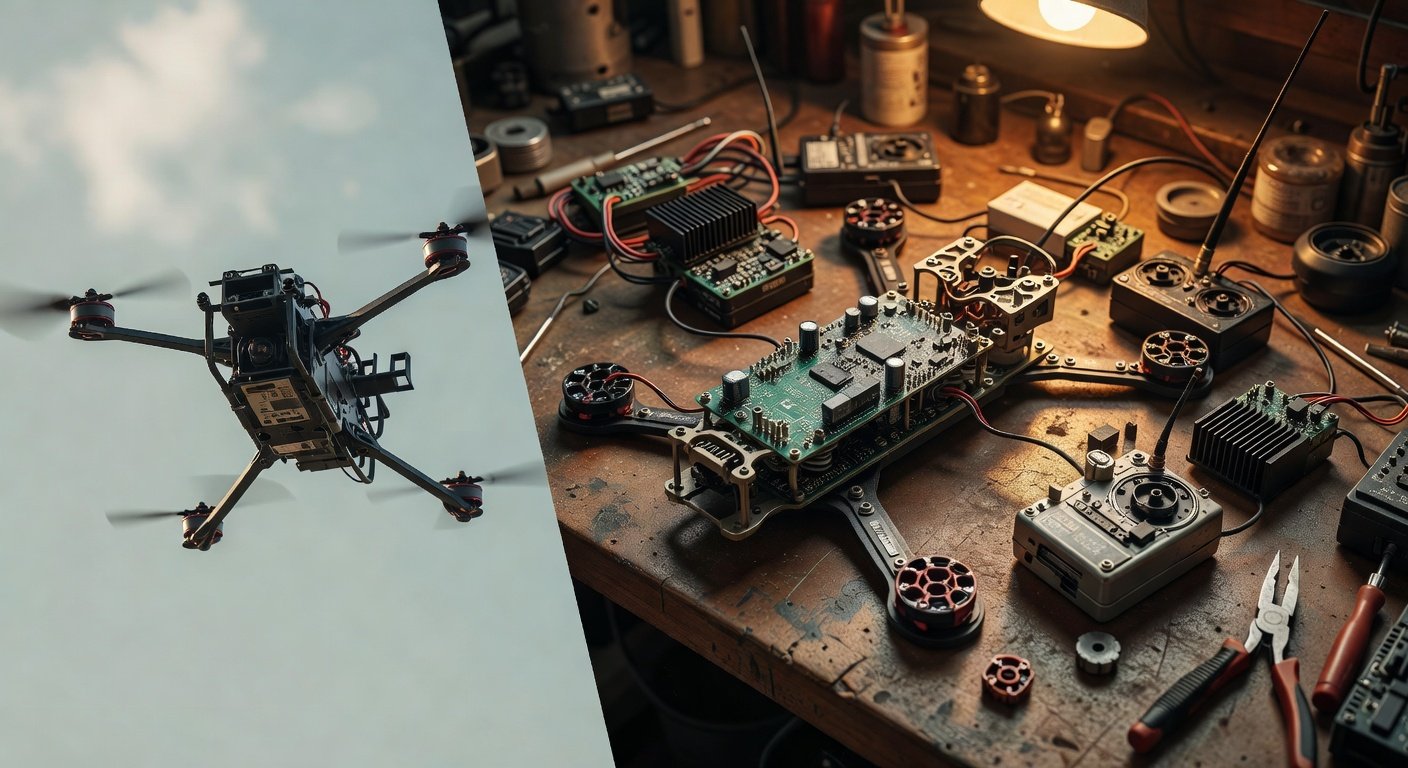
Working with legacy Betaflight versions requires a different approach than modern configurations. This old Betaflight configuration guide addresses the unique challenges of setting up vintage flight controllers that may not support current firmware versions. Many pilots find themselves needing to configure older hardware due to budget constraints, specific project requirements, or maintaining existing builds that have proven reliable over time. The key difference lies in understanding which features were available in earlier Betaflight releases and how to work within those limitations while still achieving excellent flight performance.
Legacy Betaflight versions typically range from 3.0 to 3.5, with some pilots even working with 2.x versions on extremely old hardware. These versions lack many modern conveniences like simplified PID tuning, advanced filtering options, and streamlined setup wizards. However, they offer rock-solid stability and proven performance characteristics that many experienced pilots prefer. The configuration process involves more manual parameter adjustment and requires deeper understanding of flight controller fundamentals. This guide will walk you through each critical step, ensuring your vintage setup flies as smoothly as any modern configuration.
Essential Hardware Compatibility for Old Betaflight Configuration
Before beginning your old Betaflight configuration, verify hardware compatibility with your target firmware version. Flight controllers like the original Naze32, CC3D, and early F3 boards have specific Betaflight version limits that cannot be exceeded due to memory constraints or processor limitations. Check the Betaflight GitHub releases page to confirm the last supported version for your specific hardware. Many F1 processors topped out at Betaflight 3.1, while early F3 boards may support up to 3.5 depending on flash memory availability.
ESC compatibility presents another crucial consideration when configuring older Betaflight versions. Legacy ESCs may not support modern protocols like DShot, limiting you to PWM, OneShot125, or OneShot42 protocols. This limitation affects motor response and overall flight characteristics, but proper configuration can still deliver excellent performance. Additionally, older receiver protocols like PPM or SBUS require specific UART configuration that differs significantly from modern setups. Document your hardware specifications before starting configuration to avoid compatibility issues that could prevent successful setup completion.
Flight Controller Memory and Processing Limitations
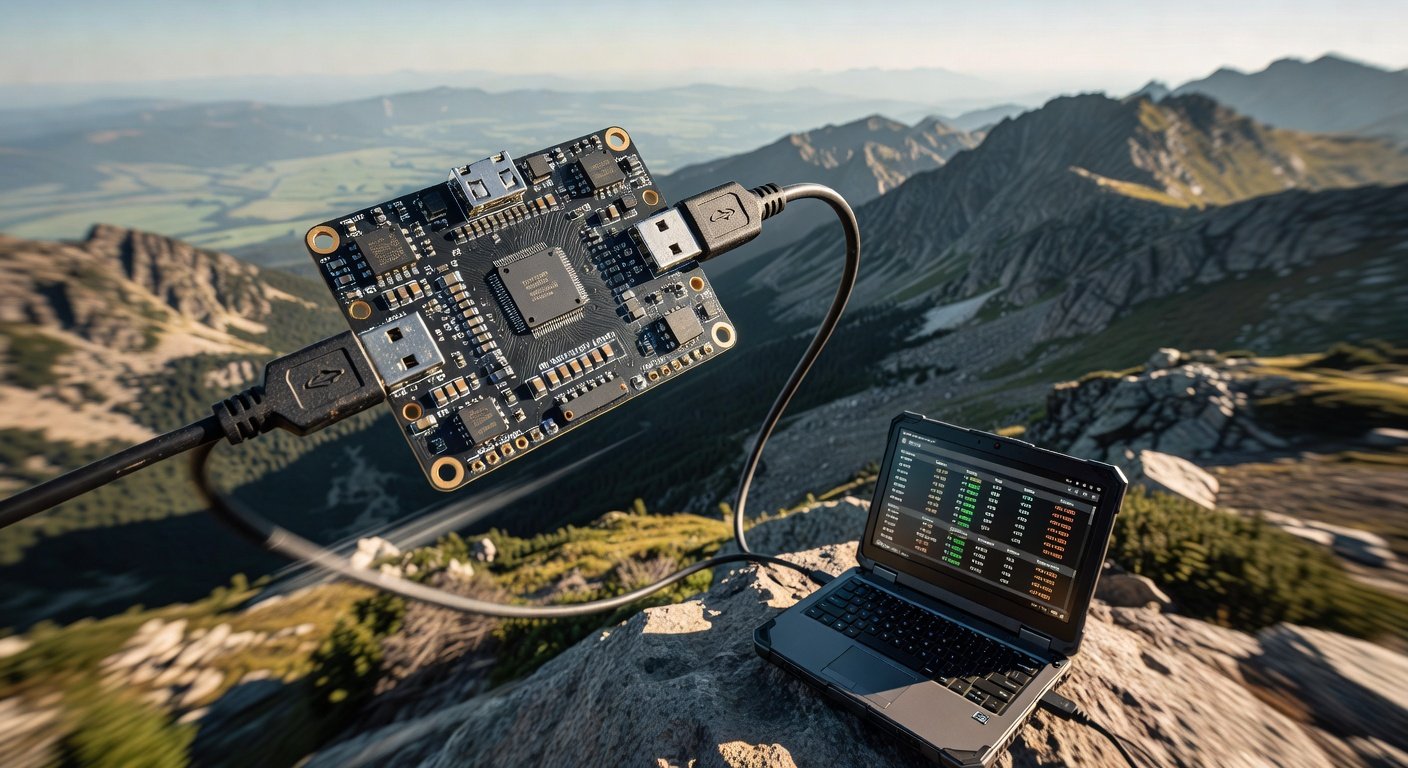
Legacy flight controllers operate with significantly less processing power and memory compared to modern F4 and F7 boards. This constraint directly impacts which features can be enabled simultaneously in your old Betaflight configuration. F1 processors struggle with complex filtering algorithms, limiting you to basic gyro filtering options and simpler PID controllers. Understanding these limitations helps set realistic expectations and guides feature selection during configuration. Prioritize essential features like basic stabilization and receiver input over advanced telemetry or complex filtering that may cause performance issues on older hardware.
Step-by-Step Old Betaflight Configuration Process
Begin your old Betaflight configuration by connecting your flight controller to Betaflight Configurator using the appropriate legacy version. Modern Configurator versions may not communicate properly with older firmware, so download the Configurator version that corresponds to your Betaflight firmware. Start with the Setup tab to verify accelerometer calibration and orientation. Legacy versions require manual accelerometer calibration more frequently than modern firmware, so perform this step carefully on a level surface. Verify that the 3D model in Configurator matches your quad’s movements exactly before proceeding to other configuration tabs.
The Ports tab requires careful attention in older Betaflight versions since UART assignment was less automated. Manually configure each UART for its intended purpose, whether receiver input, telemetry output, or GPS connection. Legacy firmware often requires specific baud rate settings that differ from modern defaults. Enable MSP on UART1 for Configurator communication, then assign remaining UARTs based on your specific hardware requirements. Remember that older flight controllers have fewer available UARTs, so prioritize connections based on your flying style and required features.
Receiver and Motor Configuration in Legacy Betaflight
Receiver configuration in older Betaflight versions requires more manual setup compared to modern firmware. Navigate to the Receiver tab and select your protocol type, whether PPM, SBUS, or individual PWM channels. Legacy versions may not auto-detect receiver protocols, requiring manual selection and channel mapping. Set appropriate channel ranges and verify stick movement corresponds correctly to configurator display. For PPM receivers, ensure proper channel order since legacy firmware was less forgiving of incorrect mapping. Test all control inputs thoroughly before proceeding to motor configuration to avoid potential crashes during initial testing.
PID Tuning Strategies for Old Betaflight Configuration
PID tuning in legacy Betaflight versions requires a more methodical approach since automated tuning features weren’t available in older firmware. Start with conservative PID values and gradually increase gains while monitoring for oscillations or instability. The PID controller options in older versions were more limited, typically offering only PID Controller 1 or 2, without the advanced options found in modern firmware. Focus on achieving stable flight characteristics before attempting aggressive tuning, as older processors have less computational headroom for complex control algorithms.
Legacy Betaflight versions benefit from manual rate profile configuration since preset options were limited or nonexistent. Configure rates based on your flying style, keeping in mind that older ESC protocols may introduce slight delays that affect rate response. Start with moderate rates and expo settings, then adjust based on flight testing results. The filtering options in older versions were more basic, so rely primarily on gyro low-pass filtering rather than advanced notch filters. Monitor motor temperatures during initial flights, as older filtering algorithms may allow more noise through to the motors, potentially causing increased heat generation.
Advanced Filtering Techniques for Legacy Hardware
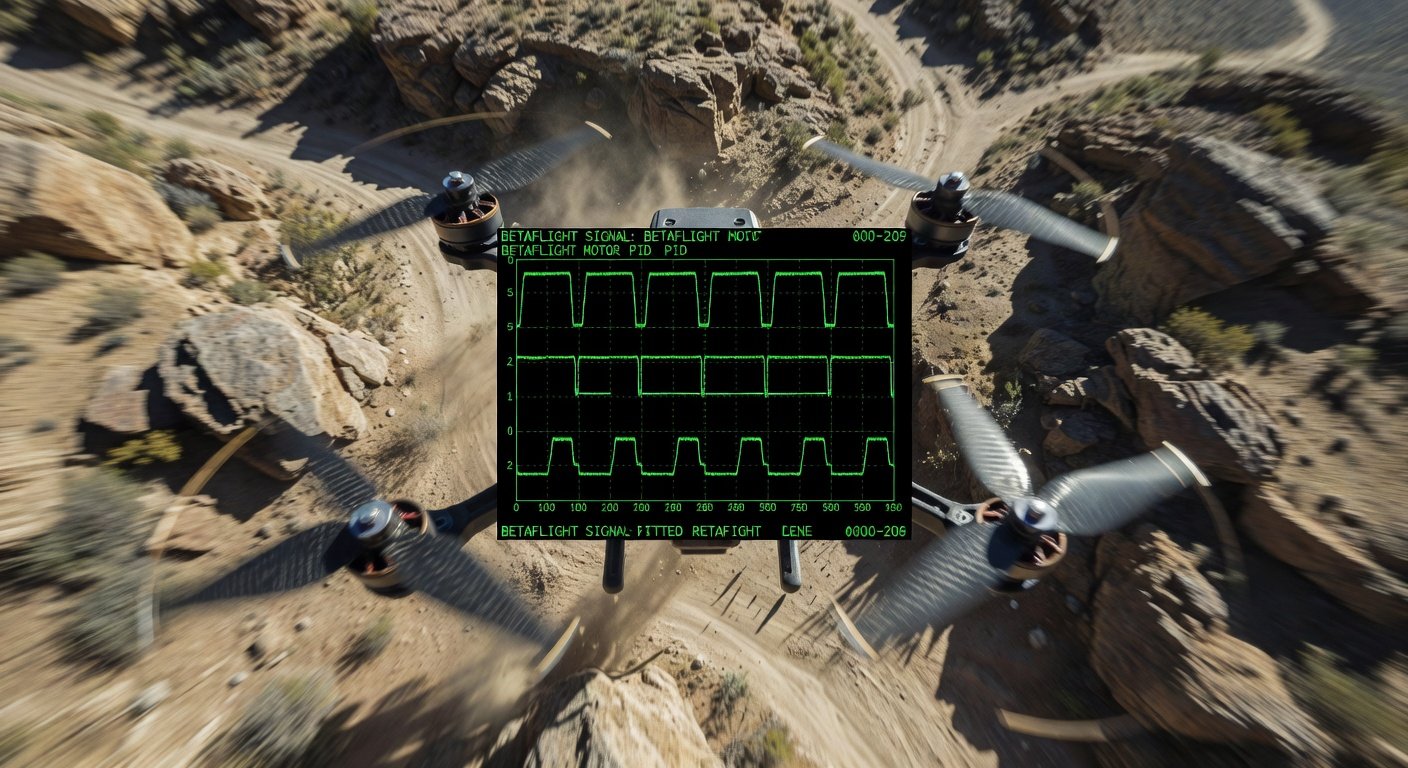
Filtering configuration in old Betaflight versions requires careful balance between noise reduction and latency. Legacy firmware typically offers basic low-pass filtering for gyro and D-term, without the sophisticated filtering options available in modern versions. Set gyro low-pass filter conservatively, starting around 100Hz and adjusting based on flight characteristics and motor noise levels. D-term filtering should be set slightly lower to prevent high-frequency noise from affecting PID calculations. Avoid over-filtering, as this introduces latency that older processors struggle to compensate for, potentially degrading flight performance.
Frequently Asked Questions
What’s the newest Betaflight version that works on F1 flight controllers?
Most F1 processors support Betaflight up to version 3.1.x, though some specific boards may work with 3.2. Check the Betaflight GitHub releases for your exact flight controller model to confirm the latest compatible version.
Can I use DShot with old Betaflight configurations?
DShot support depends on both your Betaflight version and ESC compatibility. Betaflight 3.2 and later include DShot support, but your ESCs must also support the protocol. Many legacy ESCs only support PWM or OneShot protocols.
Why does my old flight controller keep disconnecting from Betaflight Configurator?
Use the Configurator version that matches your firmware version. Modern Configurator versions may have communication issues with legacy Betaflight firmware. Download the appropriate legacy Configurator from the Betaflight GitHub releases page.
How do I backup my old Betaflight configuration before making changes?
Use the CLI tab to enter ‘dump all’ command and save the output to a text file. This creates a complete backup of your configuration that can be restored by pasting the commands back into CLI if needed.
Need Help with Your Legacy FPV Setup?
Configuring older Betaflight versions can be challenging, especially when dealing with hardware compatibility issues or performance optimization. Our FPV experts have extensive experience with legacy flight controllers and can help you get the most out of your vintage setup. Contact us for personalized configuration assistance and tuning guidance tailored to your specific hardware combination.