

Understanding Spektrum RSSI Fundamentals
Spektrum RSSI (Received Signal Strength Indicator) provides crucial real-time feedback about your radio link quality during FPV flights. This telemetry data measures the strength of the signal your receiver picks up from your transmitter, typically displayed as a percentage or dBm value on your radio screen. Understanding spektrum rssi readings helps prevent signal loss incidents that could result in flyaways or crashes. The RSSI value fluctuates based on distance, obstacles, interference, and environmental conditions, making it an essential safety tool for responsible FPV flying. Modern Spektrum receivers automatically transmit this data back to compatible transmitters without requiring additional setup in most cases.
The RSSI measurement represents the power level of the received radio frequency signal, with higher values indicating stronger connections. Spektrum systems typically display RSSI as a percentage, where 100% represents the strongest possible signal and lower percentages indicate weaker reception. Values above 50% generally provide reliable control, while readings below 30% suggest you’re approaching the edge of your radio’s range. Environmental factors like buildings, trees, hills, and electromagnetic interference from power lines or other radio equipment can dramatically impact these readings. Smart pilots monitor spektrum rssi continuously during flight to maintain safe distances and avoid potential control loss scenarios.
Setting Up Spektrum RSSI Monitoring
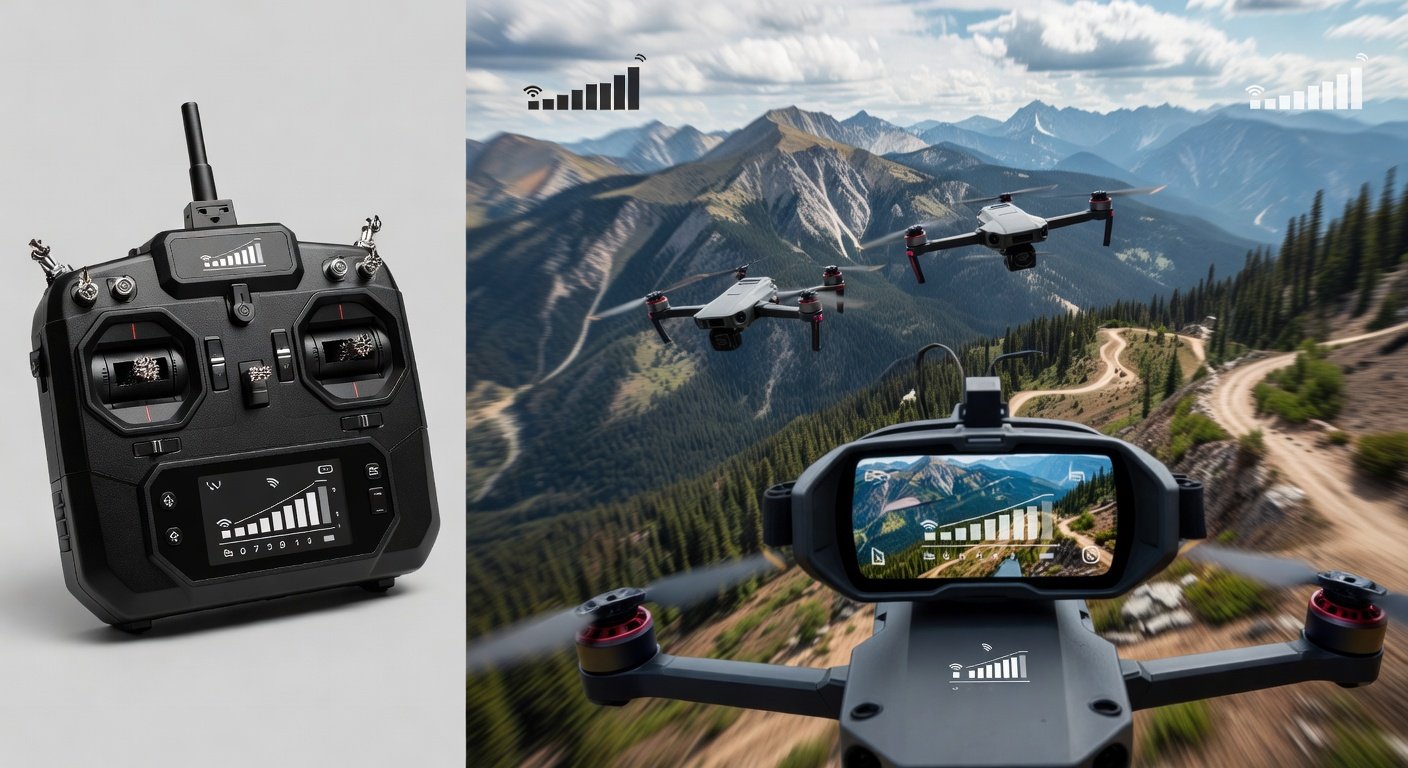
Configuring spektrum rssi monitoring requires a compatible receiver and transmitter combination that supports telemetry feedback. Most modern Spektrum receivers like the AR8010T, AR9030T, and AR12120T include built-in telemetry capabilities that automatically transmit RSSI data to your radio. Connect your receiver to your flight controller’s UART port using the appropriate cable, then enable telemetry in your radio’s system settings. The DX6e, DX8e, DX9, and iX series transmitters display RSSI information on their main screens or dedicated telemetry pages. Some pilots prefer audible alerts that announce RSSI values at preset intervals or warn when signal strength drops below safe thresholds.
Flight controller firmware like Betaflight and INAV can also process and display spektrum rssi data through your FPV goggles’ OSD (On-Screen Display). Enable the RSSI telemetry option in your flight controller’s configuration tab, then add the RSSI element to your OSD layout for real-time monitoring during flight. This dual-display approach provides redundancy since you can monitor signal strength both on your transmitter screen and through your video feed. Calibrate the RSSI scale in your flight controller to match your receiver’s output range, ensuring accurate readings across different flight conditions and distances.
Transmitter Configuration Steps
Access your Spektrum transmitter’s system menu and navigate to the telemetry or sensor setup section to configure spektrum rssi monitoring. Create a new sensor if your radio doesn’t automatically detect the RSSI feed from your receiver, selecting the appropriate telemetry type and assigning it to an available channel. Set up voice alerts or vibration warnings to notify you when RSSI drops below predetermined thresholds, typically 50% for initial warning and 30% for critical alert. Configure the display format to show percentage values rather than raw voltage readings for easier interpretation during flight. Test the setup by powering on your quad and walking away while monitoring the RSSI readout to verify proper functionality and range.
Interpreting Spektrum RSSI Values
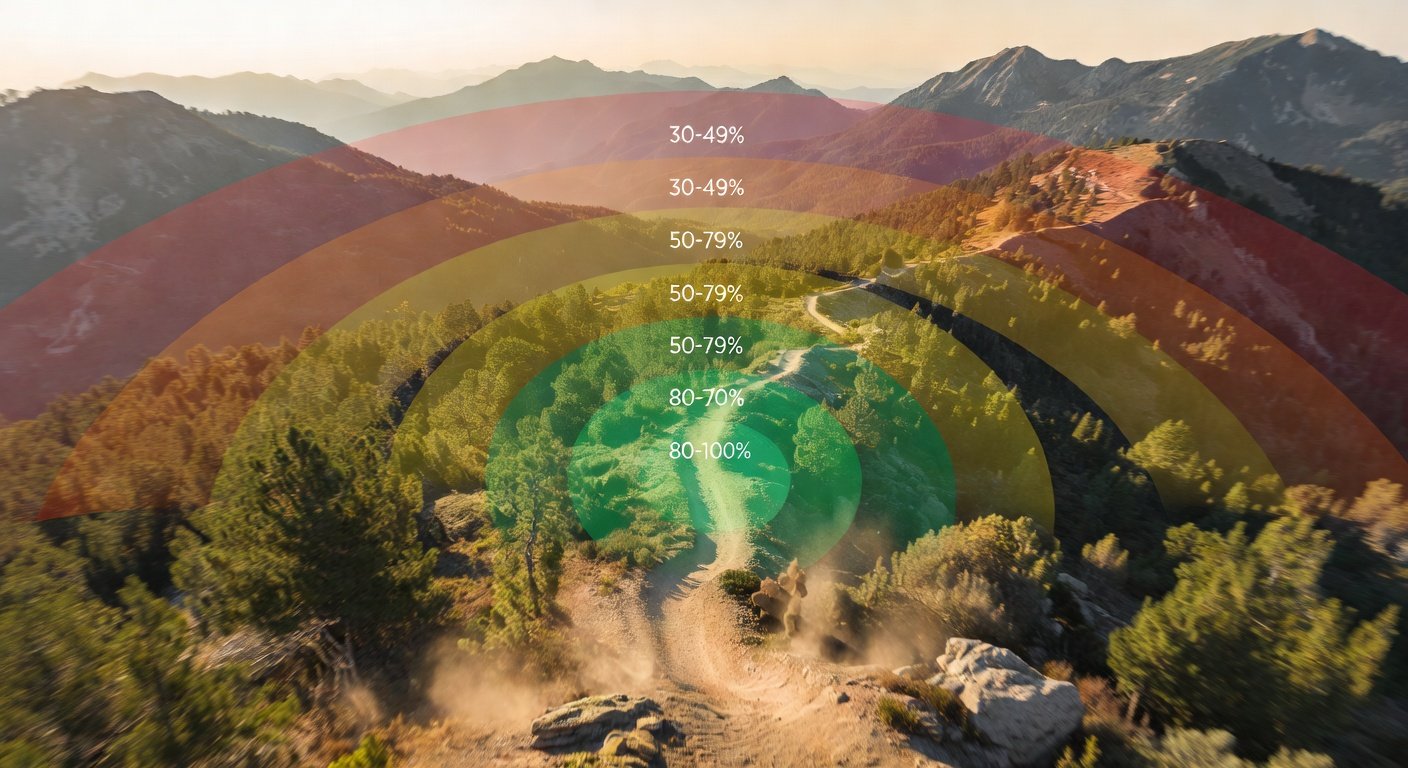
Reading spektrum rssi values correctly helps you make informed decisions about flight range and safety margins during FPV sessions. Values between 80-100% indicate excellent signal strength suitable for aggressive flying and extended range exploration. Readings from 60-79% represent good signal quality appropriate for most flying scenarios, though you should begin monitoring trends more closely. When spektrum rssi drops to 40-59%, consider this a caution zone where you should avoid flying behind obstacles or extending your range further from the launch point. Values below 40% require immediate attention, and readings under 20% indicate critical signal weakness that demands immediate return to home or landing.
Environmental conditions significantly impact how you should interpret these readings throughout your flight session. Open field flying typically maintains higher RSSI values at greater distances compared to urban environments with buildings and interference sources. Weather conditions like rain, snow, or high humidity can attenuate radio signals and reduce effective range even with strong initial RSSI readings. Temperature extremes may also affect receiver sensitivity and transmitter output power, requiring more conservative range limits during hot summer days or freezing winter conditions. Experienced FPV pilots develop intuition for their specific equipment’s performance characteristics across various environmental scenarios.
Safe Flying Thresholds
Establishing conservative spektrum rssi thresholds prevents control loss incidents and protects your equipment investment. Most experienced pilots set their first warning at 50% RSSI, providing ample time to assess the situation and begin returning toward the launch point if necessary. A critical alert at 30% RSSI serves as the absolute minimum threshold for maintaining positive control, requiring immediate action to restore signal strength. These conservative limits account for rapid signal degradation that can occur when flying behind obstacles or encountering unexpected interference sources. Remember that RSSI can drop suddenly rather than gradually, so maintaining healthy margins prevents emergency situations where you have insufficient time to react appropriately.
Troubleshooting Spektrum RSSI Issues
Poor spektrum rssi performance often stems from antenna placement, interference sources, or equipment configuration problems that pilots can resolve through systematic troubleshooting. Receiver antenna positioning significantly impacts signal strength, with antennas mounted perpendicular to each other and away from carbon fiber or metal components providing optimal reception. Ensure antenna wires don’t run parallel to motor wires or power cables, as electromagnetic interference from these sources can degrade signal quality. Check that your receiver antennas aren’t damaged, kinked, or shortened, as even minor physical damage can dramatically reduce reception sensitivity and effective range.
Interference from other radio equipment, WiFi networks, or electronic devices can cause erratic spektrum rssi readings and reduced range performance. Perform range checks in different locations to identify environmental interference sources that might affect your flying areas. Update your transmitter and receiver firmware to the latest versions, as manufacturers regularly release improvements that enhance signal processing and interference rejection. Verify that your transmitter’s RF power output settings match your local regulations and flying requirements, as reduced power settings directly impact maximum reliable range and RSSI performance throughout your flight envelope.
Common Hardware Problems
Damaged or improperly installed antennas represent the most frequent cause of poor spektrum rssi performance in FPV aircraft. Inspect receiver antennas for cuts, kinks, or areas where the outer jacket has been compromised, exposing the inner conductor to moisture or physical damage. Replace any questionable antennas immediately, as compromised antenna elements can create standing wave patterns that reduce effective radiated power and reception sensitivity. Verify that antenna connectors are properly seated and haven’t worked loose due to vibration during flight operations. Consider upgrading to higher-quality antenna options if you frequently experience range limitations or signal dropouts in your typical flying environments.
Frequently Asked Questions
What is a good Spektrum RSSI value during flight?
RSSI values above 50% provide reliable control for most flying scenarios. Values between 60-80% are ideal for aggressive flying, while readings below 30% require immediate attention and return to home procedures.
Why does my Spektrum RSSI drop suddenly during flight?
Sudden RSSI drops typically result from flying behind obstacles, electromagnetic interference, or damaged antennas. Environmental factors like buildings, trees, or power lines can block or reflect radio signals causing rapid signal degradation.
How do I enable RSSI monitoring on my Spektrum transmitter?
Access your transmitter’s telemetry or sensor setup menu to configure RSSI monitoring. Most modern Spektrum receivers automatically transmit RSSI data to compatible transmitters without additional setup required.
Can I display Spektrum RSSI in my FPV goggles?
Yes, configure your flight controller to process Spektrum RSSI telemetry and add the RSSI element to your OSD layout. This provides real-time signal strength monitoring through your video feed during flight.
Need Help Optimizing Your FPV Setup?
Struggling with radio range or signal issues? Our FPV experts can help you configure your Spektrum system for maximum performance and safety. Contact us for personalized setup assistance and troubleshooting support to get the most from your equipment.