
Understanding Video Frequency Management Fundamentals
Video frequency management forms the backbone of reliable FPV flight experiences, determining how cleanly your video signal transmits from drone to goggles. The 5.8GHz band, standard for FPV video transmission, contains numerous channels organized into bands like Boscam A, Boscam B, Fatshark, and Raceband. Each channel operates on a specific frequency measured in megahertz, and proper channel selection prevents interference that causes static, breakup, or complete video loss. Understanding these fundamentals allows pilots to maintain crystal-clear video feeds during aggressive freestyle maneuvers or competitive racing scenarios.
Modern video transmitters offer power output options ranging from 25mW to 800mW or higher, directly impacting transmission range and penetration through obstacles. However, higher power doesn’t automatically equal better performance if frequency management principles are ignored. Interference between pilots using nearby channels creates harmonics and intermodulation products that degrade video quality for everyone involved. Smart frequency coordination considers not only your immediate flying partners but also potential interference from WiFi networks, amateur radio operators, and other RF devices operating in the 5.8GHz spectrum.
Channel Spacing and Band Selection
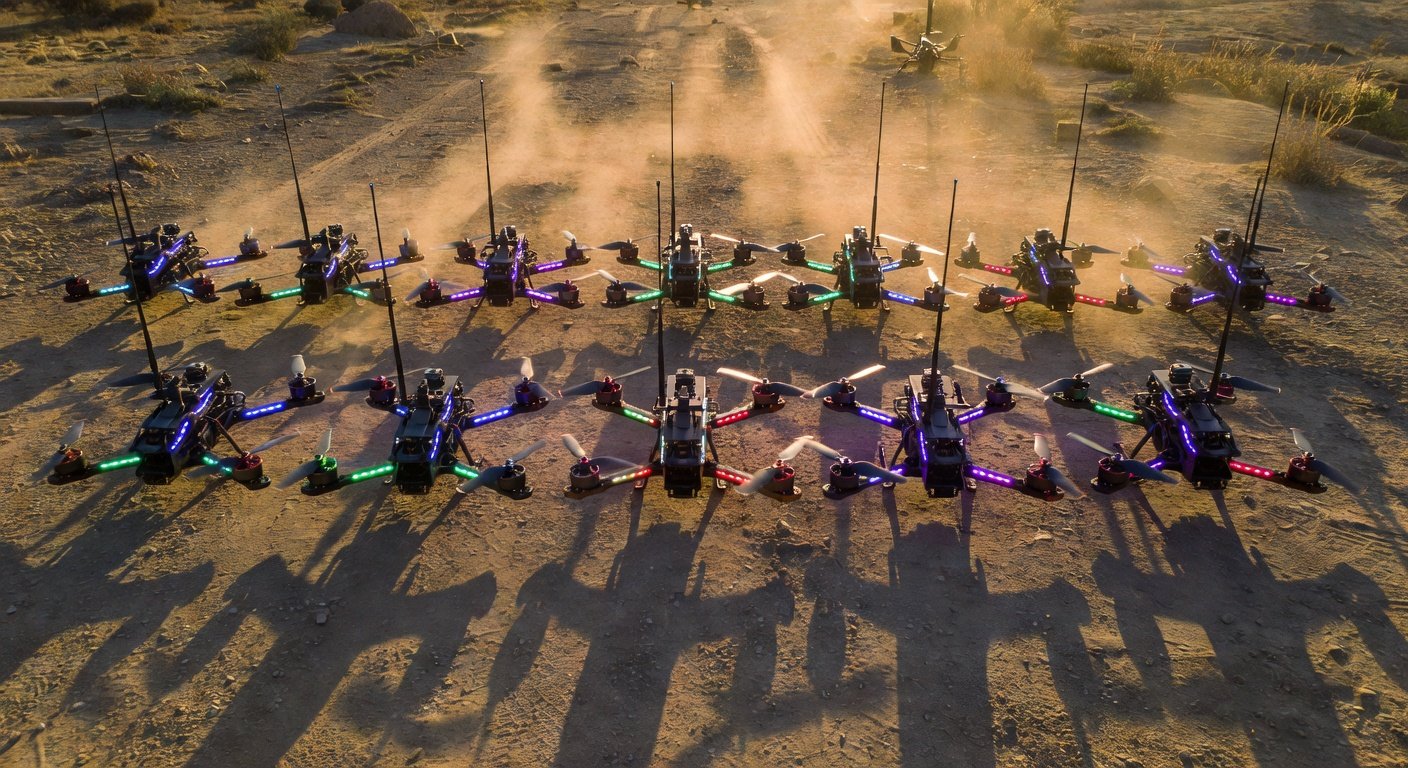
Proper channel spacing prevents adjacent channel interference, requiring minimum frequency separation between active video transmitters. Raceband channels offer superior spacing characteristics compared to traditional Boscam bands, with channels R1 through R8 providing optimal separation for group flights. When flying with multiple pilots, maintain at least 40MHz separation between channels, though 80MHz provides even better isolation. For example, if one pilot uses R1 (5658MHz), the next should select R3 (5732MHz) or higher to avoid interference. This spacing becomes critical during racing events where eight or more pilots fly simultaneously within close proximity.
Advanced Video Frequency Management Techniques
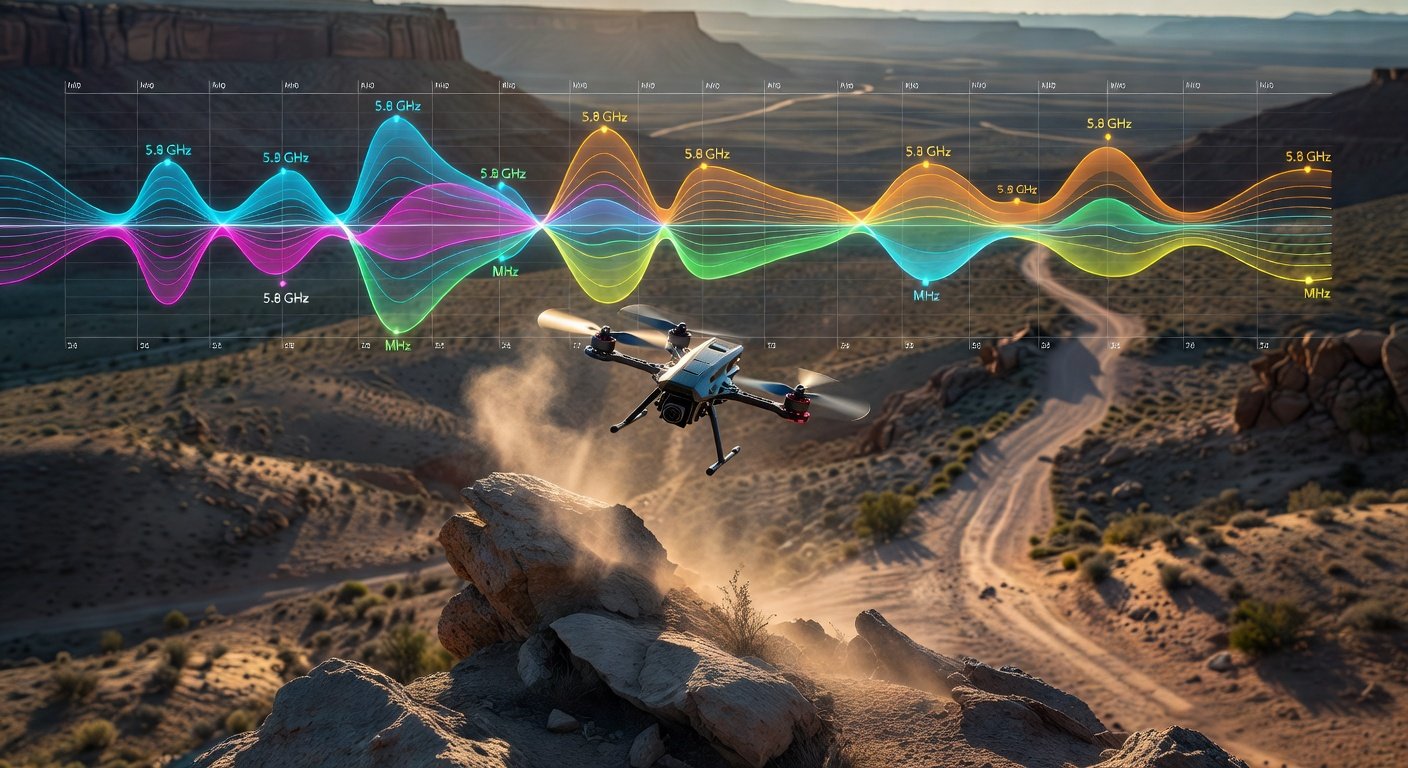
Professional FPV pilots employ sophisticated frequency coordination strategies that go beyond basic channel separation. Frequency analyzers help identify clean channels by revealing ambient RF noise levels across the entire 5.8GHz spectrum. These tools display real-time spectrum analysis, showing which frequencies experience interference from external sources like WiFi routers, microwave ovens, or other electronic devices. Smart pilots scan their flying location before powering up, selecting channels with minimal background noise for optimal video quality throughout their session.
Dynamic frequency management involves adjusting channels based on changing RF conditions during flight sessions. Environmental factors like weather, nearby electronic devices, and even aircraft altitude affect signal propagation and interference patterns. Experienced pilots monitor video quality continuously and switch channels when interference develops, using programmable video transmitters that allow rapid frequency changes without landing. This proactive approach maintains video integrity during critical flight phases, preventing crashes caused by sudden video loss during aggressive maneuvers or precision flying near obstacles.
Power Management and Range Optimization
Video transmitter power management balances range requirements against interference potential and battery consumption. Lower power settings reduce interference with other pilots while extending flight times, making 25mW ideal for close-range freestyle or indoor flying. Medium power levels around 200mW suit most outdoor flying scenarios, providing adequate range without excessive interference generation. High power settings above 600mW should be reserved for long-range exploration or when flying in RF-noisy environments, always considering local regulations and courtesy toward other pilots sharing the same airspace and frequency spectrum.
Interference Identification and Mitigation
Identifying interference sources requires understanding common symptoms and their underlying causes. Horizontal lines scrolling through your video feed typically indicate interference from nearby video transmitters operating on harmonically related frequencies. Random static or snow suggests broadband interference from WiFi networks or other digital devices. Sudden complete video loss followed by gradual recovery often results from multipath interference caused by signal reflections off buildings, vehicles, or terrain features. Each interference type requires specific mitigation strategies to restore clean video transmission.
Mitigation techniques range from simple frequency changes to advanced antenna positioning and filtering solutions. Circular polarized antennas reduce multipath interference by rejecting reflected signals with opposite polarization. Directional antennas like patch or helical designs provide gain in specific directions while attenuating signals from unwanted angles. RF filters installed between video transmitters and antennas eliminate harmonic emissions that interfere with other pilots. For persistent interference issues, relocating to different flying areas or coordinating with other RF users in your vicinity may provide the only effective solution.
Group Flying Coordination
Successful group flights require systematic frequency coordination that accommodates all pilots while maintaining video quality for everyone. Establish a frequency coordinator who assigns channels based on pilot preferences, equipment capabilities, and current RF conditions. Use frequency charts that clearly show recommended channel combinations for different group sizes, ensuring adequate separation between all active transmitters. Popular combinations like R1, R3, R5, R7 for four-pilot groups provide excellent isolation, while eight-pilot events might require mixing Raceband and Fatshark channels with careful spacing analysis to prevent interference.
Frequently Asked Questions
What’s the minimum frequency separation needed between FPV video transmitters?
Maintain at least 40MHz separation between video transmitters for basic interference prevention, though 80MHz provides better isolation. For racing events with multiple pilots, use established channel combinations like R1, R3, R5, R7 that provide optimal spacing within the Raceband spectrum.
How do I identify interference affecting my FPV video feed?
Horizontal lines indicate nearby video transmitter interference, random static suggests WiFi or digital device interference, and sudden video loss with gradual recovery typically results from multipath reflections. Use a frequency analyzer to identify clean channels and monitor RF noise levels at your flying location.
Should I use maximum power on my video transmitter for better range?
Higher power doesn’t always improve performance and can create interference for other pilots. Use 25mW for close-range flying, 200mW for most outdoor scenarios, and reserve high power settings above 600mW for long-range flights or RF-noisy environments while considering local regulations.
Which video transmission band offers the best frequency management options?
Raceband provides superior channel spacing compared to traditional Boscam bands, with channels R1 through R8 offering optimal separation for group flights. The consistent 37MHz spacing between Raceband channels makes frequency coordination simpler and more reliable for racing events.
Need Help Optimizing Your FPV Video System?
Struggling with video interference or poor signal quality during flights? Our FPV experts can help you implement proper frequency management techniques, select optimal equipment configurations, and troubleshoot transmission issues. Contact us for personalized guidance on building reliable video systems that deliver crystal-clear feeds for your freestyle and racing adventures.